The digital age demands that everything be accessible and perfectly aligned, whether it’s a product, service, or app. People are more likely to search on mobile phones instead of a laptop or desktop. The reason is quite obvious: convenience, mobility, and ease of access.
Whenever it comes to mobile apps, great design is the foundation of everything. From creating user experience to designing intuitive apps, there are certain principles that need to be followed.
In this guide, we will discuss everything you need to keep in mind when designing a mobile app UI. Whether you are building an MVP, revamping the whole mobile app UI, or deploying new features, you will learn everything related to UI design principles. Let’s get started.
What Is Mobile App UI Design?
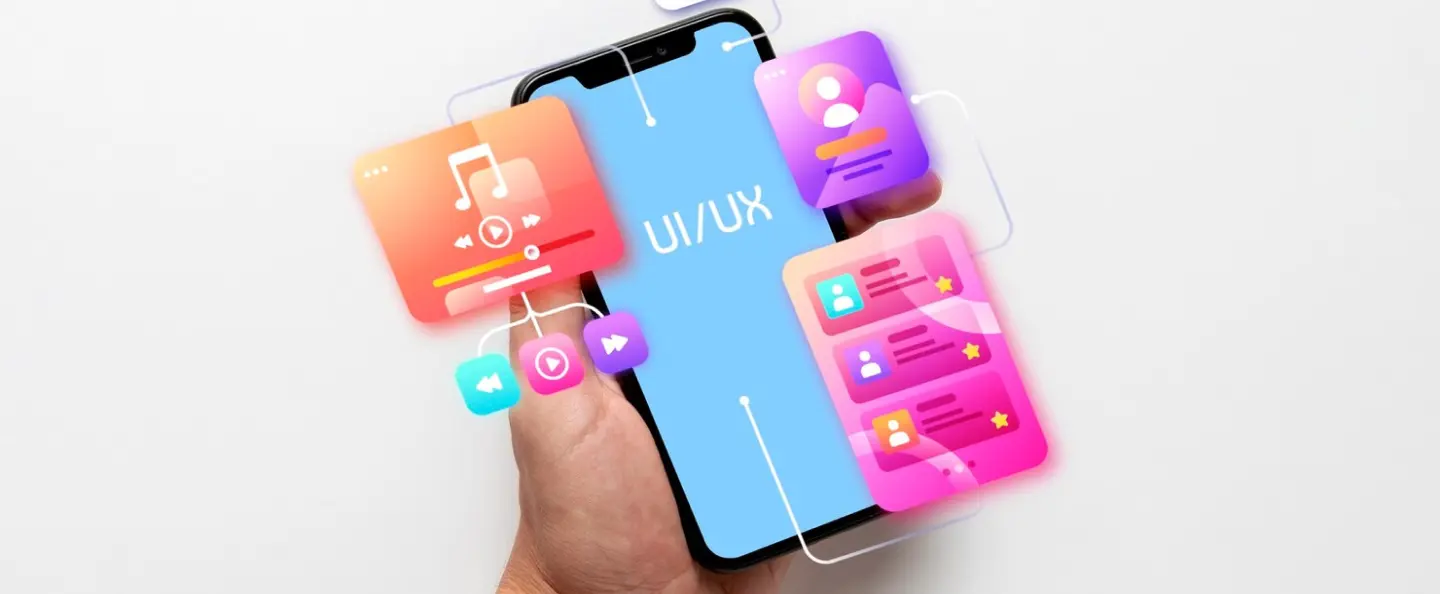
Mobile App UI Design is the process of creating the visual and interactive elements of a mobile application that users see and touch, such as buttons, icons, menus, and layouts. It ensures the app is intuitive, visually appealing, and optimized for small screens and touch-based interactions.
Some of the key elements of mobile app UI include:
Visual layer: The look and feel of the app, including colors, typography, and layout.
Interactive elements: Buttons, sliders, toggles, and gesture controls that allow users to interact.
Navigation design: Menus, tab bars, and drawers that guide users through the app.
Platform guidelines: Following Apple’s Human Interface Guidelines (iOS) and Google’s Material Design (Android).
Accessibility: Ensuring usability for all users, including support for dark mode and responsive layouts.
Mobile App UI Best Practices
Designing a mobile app UI involves several features that are essential in making an intuitive app. Here are some of the best mobile UI practices you must follow.
Mobile First Design Approach
The mobile-first design approach is the core principle that you need to consider. The simple strategy is that instead of making a desktop design and later trying to modify it to fit into a smaller screen, the approach starts with placing content and functionality for the mobile user. Later on, you enhance the design by adding features and layouts for tablets and desktops.
The mobile-first design approach is an ideal practice as it develops a clutter-free product right from the beginning.
Thumb‑Friendly Layouts
A touch-friendly interface is designed for fingers rather than precise mouse cursors, prioritizing sizing, spacing, and feedback to prevent accidental taps. Touch design goes beyond simply enlarging buttons. It encourages how users physically interact with their devices. Poor touch design drives up error rates and user abandonment, while clear spacing creates a seamless and smooth experience.
Platform Standards: Apple recommends a minimum tap target of 44×44 points, while Google Material Design suggests 48x48dp.
Real-World Example: Apps like Uber utilize large, well-defined buttons for seamless usability, even in motion.
Focusing on these ergonomic principles directly improves user comfort, reliability, and overall mobile app usability.
Visual Hierarchy
Visual hierarchy guides user attention by arranging elements using size, color, and contrast, highlighting key components while subduing secondary ones. Along with grid systems, proper spacing, and alignment, a strong layout creates an appealing, user-friendly app.
Effective UI design relies on color and typography:
Color Theory: Use color harmony (complementary for contrast, analogous for calm, monochromatic for sophistication) and color psychology (e.g., blue for trust, red for excitement) to evoke desired emotions.
Typography Basics: Enhance readability using legible fonts, proper spacing, hierarchy, and contrast to structure information.
Seamless Navigation
Intuitive navigation is the foundation of your mobile app that guides users from initial intent to their final goal with minimal distraction. By incorporating design in a well-structured form, such as side drawers, contextual bottom sheets, and persistent tabs, you can create a mobile UI design that makes sense and provides ease.
Why Navigation Can Make or Break Your App?
Confusing and Muddled Design: Poor, confusing pathways are among the top reasons users abandon digital products in frustration.
Lower Cognitive Load: Predictable layouts mean users spend zero energy to know where they are currently.
Maximized Feature Discovery: Great navigation highlights your app’s core utilities naturally, boosting overall engagement and retention.
Platform-Specific Guidelines
Platform‑specific UI guidelines ensure apps feel natural on each device. For instance, Apple’s Human Interface Guidelines (HIG) emphasize clarity, consistency, and accessibility across iOS, iPadOS, macOS, and visionOS.
Whereas Google’s Material Design 3 focuses on adaptive layouts, dynamic color, and motion principles for Android.
Following these standards improves usability and user trust.
Apple Human Interface Guidelines (HIG)
Clarity and consistency: Interfaces should prioritize legibility, intuitive navigation, and familiar system components.
Layout principles: Use adaptive layouts that respond to screen sizes, with clear grouping and alignment.
Typography and icons: San Francisco font and SF Symbols ensure readability and consistency across platforms.
Accessibility: Strong emphasis on color contrast, VoiceOver support, and dynamic type scaling.
Immersive design: For visionOS, guidelines include spatial UI, 3D models, and Liquid Glass materials.
Google Material Design 3 (Android)
Dynamic color: UI adapts to the user’s wallpaper/theme for personalization.
Adaptive layouts: Responsive grids and flexible components for different screen sizes.
Motion principles: Smooth transitions and meaningful animations guide user focus.
Component library: Buttons, cards, and navigation bars are standardized for consistency.
Accessibility: Includes large touch targets, high contrast, and screen reader support.
Dark Mode and Theming
Dark mode and flexible theming have become essential in modern mobile app design. They not only improve visual comfort but also enhance battery efficiency and allow users to personalize their experience. Some of the practices include:
User preference toggle: Always provide a clear option for users to switch between light and dark modes.
Color contrast: Ensure text and icons remain legible in dark mode
Adaptive theming: Use system APIs (Android’s dynamic color, iOS’s system colors) to automatically adapt to user themes.
Consistent branding: Adjust brand colors for dark mode without losing identity—avoid neon or oversaturated tones.
Battery efficiency: On OLED screens, dark mode reduces power consumption by displaying true blacks.
Accessibility considerations: Avoid pure white text on pure black backgrounds; use softer contrasts to reduce eye strain.
Floating Action Buttons
A Floating Action Button (FAB) is a circular button that hovers above the interface, usually placed at the bottom right or center of the screen. It represents the primary action of an app and is designed to be easily accessible with the thumb.
Primary action focus: Use FABs for the most important task
Placement: Position FABs in the lower right or center bottom, within the thumb’s natural reach zone.
Minimal usage: Avoid multiple FABs on one screen—this dilutes clarity and confuses users.
Icon clarity: Use universally recognizable icons and pair with tooltips if needed.
Motion and feedback: FABs often expand into menus or morph into contextual actions with smooth animations.
Accessibility: Ensure large touch targets and proper contrast for visibility in both light and dark modes.
Summing Up
When it comes to UI design practices, it revolves around creating interfaces that are intuitive, accessible, and visually consistent across platforms. By focusing on thumb‑friendly layouts, maintaining a strong visual hierarchy, adhering to platform‑specific guidelines, and embracing modern features like dark mode and adaptive theming, designers can deliver experiences that feel natural and engaging. Ultimately, the goal is to balance usability with aesthetics, ensuring apps not only look polished but also empower users to interact effortlessly and enjoyably.

We drive targeted traffic and conversions using data-driven digital marketing strategies.
We design scalable, user-focused websites aligned with your business goals and growth.
We build fast, secure, and fully customized web solutions tailored to your needs.
Develop fast, secure, and fully customizable WordPress websites that align with your brand and deliver a seamless experience across all devices.